wordpress website design, development, maintenance and empowerment. marketing support for small businesses, diy and entrepreneurs.
Website Project Intake Form
I find it very helpful to have potential clients fill out this series of questions before offering an estimate for website work. Items with an asterisk (*) are required.There are six pages to the form and you will need to complete all the required questions before you can submit your form. NEVER SEND PASSWORDS VIA THIS FORM.
This first page is simply how I reach you. If you already have a website, drop in the address – seeing what exists today tells me a lot about where we can go next.
Let’s start with the basic contact information. (Please be sure to use an email address you know is functioning.)
Don’t overthink it – just tell me the story.
The Purpose box is your elevator pitch: what should this website do for you? For Keywords, imagine what someone would type into Google to find you. And be candid about budget and timing – honest numbers get you an honest estimate, and there’s no wrong answer.
Helpful tools:
Google Trends – see which of your keywords people actually search for
This page tells me what already exists (hosting, passwords, a domain) and which tools you’re comfortable with, so I can plan how we’ll work together. If you’re not sure about something, say so – “I don’t know” is a perfectly good answer, and hunting down logins is part of my job.
If you suspect your current site has been hacked, this free scanner gives a quick read:
The words and pictures matter more than anything I build.
Nobody knows your business like you do, which is why content readiness is the biggest factor in how fast your project moves. Be honest on the 1-5 scales – a realistic answer here saves weeks later. For the Pages question, a simple sitemap sketch works wonders.
Free tools to plan pages and find imagery:
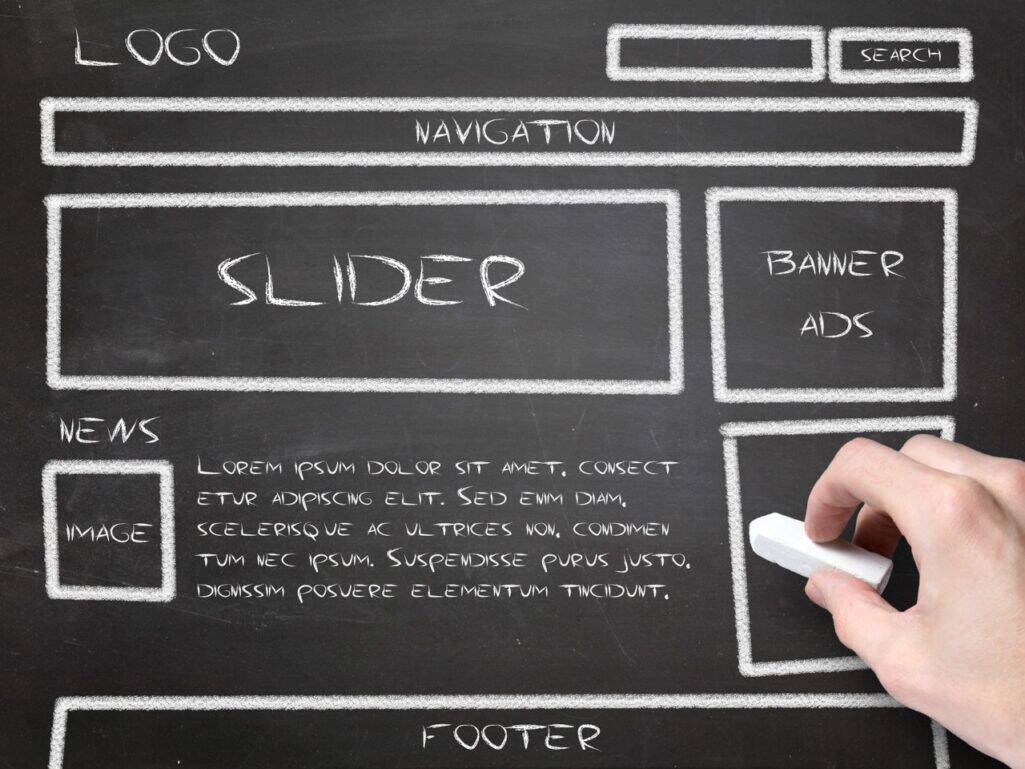
GlooMaps – sketch a sitemap in minutes, no account needed
Octopus.do – visual sitemap builder with content planning
Browse sites in your field – and outside it – and note what you love or hate. “I like the menu on this one but the colors on that one” is exactly the kind of feedback that helps. Same for color: a palette, a favorite brand, even a photo with colors you love all work.
Inspiration and color tools:
Land-book – curated website design gallery, filterable by industry and color
Coolors – generate color schemes with one keystroke
Adobe Color – build a palette from a color wheel or extract one from a photo
Fontpair – browse font combinations (you know I’ll have opinions here)
There are no wrong answers – only wrong assumptions.
Some clients want to update every page themselves; others never want to touch the site again. Both are fine! Knowing which one you are shapes what I build and how I hand it off. If you’d like to learn to manage your own site, I’ll point you at resources – this is a great start:
Learn WordPress – free official courses, from beginner to advanced